Spinebloom
Read proudly.
· Privacy · Terms · Community guidelines
Welcome to Spinebloom
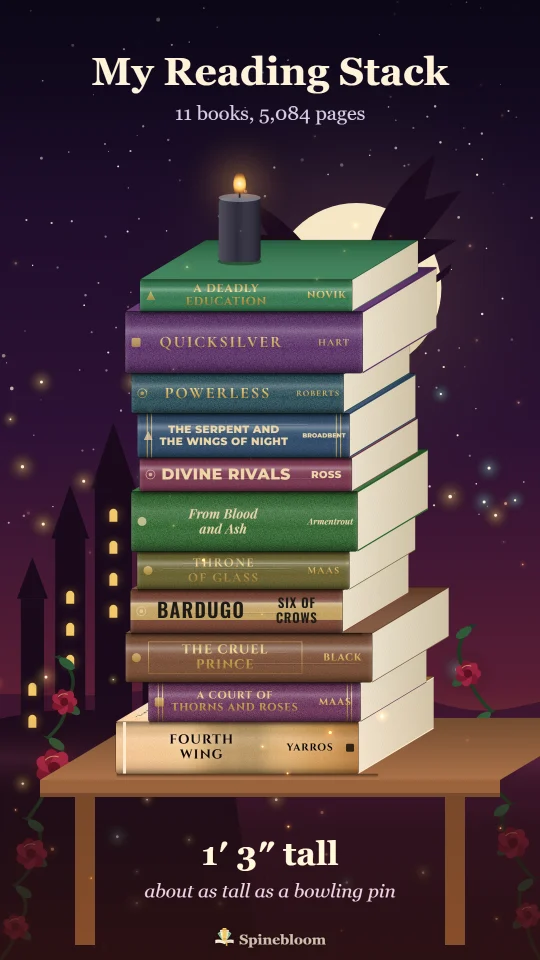
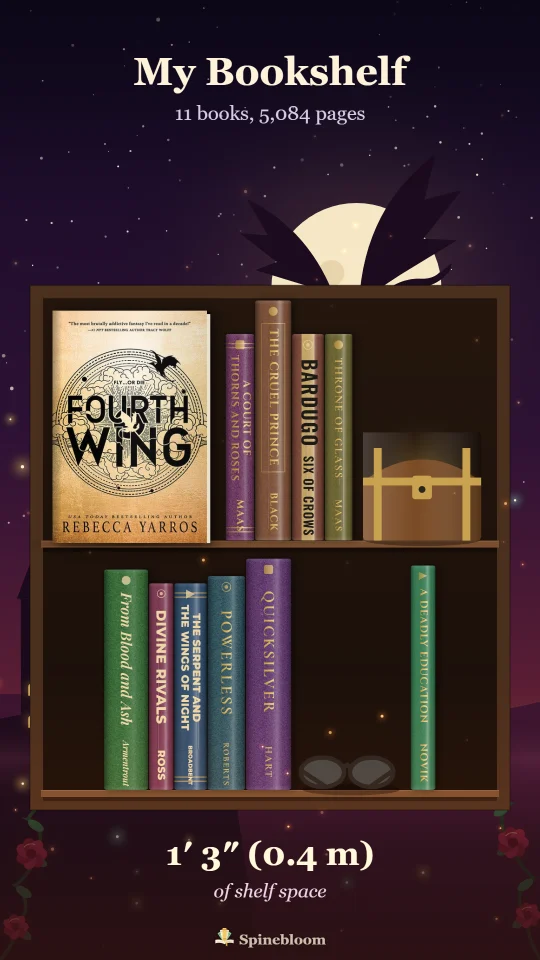
Turn Your Books Into Posts
Pick a shelf.
Free, no sign‑up
That’s taking longer than it should. Check your connection and tap Make Mine again, or use your own books.
Turn your books into posts and videos
Want your own?
Add your books
Where do I find it?
Open your profile on goodreads.com and copy the address from the address bar, or use Share → Copy link on your profile in the app. The link has a number in it, like /user/show/12345.
Works when your profile is public. Private? .
- Open Goodreads export ↗
- Click Export Library. After a moment a download link appears under the button. Download the file.
- or drop it anywhere on this page
- Open StoryGraph export ↗ (sign in if asked)
- Tap Generate export, wait a moment, then download the CSV.
- or drop it anywhere on this page
- In Libby, open Shelf, then Timeline.
- Tap Actions, then Export Timeline, and choose Spreadsheet.
- or drop it anywhere on this page
Books you have out now come in as reading now, and holds as want to read. Libby keeps your history from when you started using it.
- Plug your Kindle into a computer with its USB cable.
- Open the Kindle drive, then the documents folder, and find My Clippings.txt.
- or drop it anywhere on this page
You get every book you highlighted, dated by your last highlight. Amazon doesn't let other apps read your Kindle library directly. Read in the Kindle phone app? Link Kindle to Goodreads (Goodreads → Settings → Apps), then use the Goodreads option.
Uses your public reading log (Already Read and Currently Reading).
or paste a whole list
Or start from a themed shelf
🎨 Your brand
Drop your export file to add your books
Images
Images
Photo carousels
Caption And Hashtags
Videos
A week of posts in one tap
Seven days of content from this list: different videos and carousels each day, every one with its own hook and caption.
Recommended For You
See More Video Styles
Real Life videos:
Seasonal & occasion videos:
Big text for the first two seconds, when viewers decide whether to keep watching. Each finished video also gets a caption with hashtags to copy.
Real-life styles look like filmed footage. When you post one, turn on the app's "AI-generated" label: TikTok, Instagram and YouTube ask for it on realistic generated videos.
Ideas
Today
Your Cozy CornerYour own room, furnished by your reading.Start A Book
Reading Now
Reading journal
Private: only you can see what you write here.
💬 Quotes And Notes
Reading stats
📅 This Week
🎯 Goals And Challenges
Your Goals
Bingo Challenge
Read toward a bingo. Books you finish during the challenge fill matching squares by themselves. Tap any square to pick a book or get ideas.
🏃 Readathon
📚 Books Finished Each Month
🧬 Your Reader DNA
My Shelf
What’s Next
Waiting For
Lent Out
Finished
Want To Read
Read, No Date
Didn’t finish
Daily Puzzles
Endless
The Cozy Bookshop
The Lantern War
Just For Kids
Your Cozy Corner
With Friends
Your Stats
Feed
Sign in to see Friends, Following and your own posts.
Filters
👯 With friends: Book Blend and “help me pick”
Comments
Finished books
Posts and reviews
Reports to review
Only moderators can see this page; the database refuses everyone else.